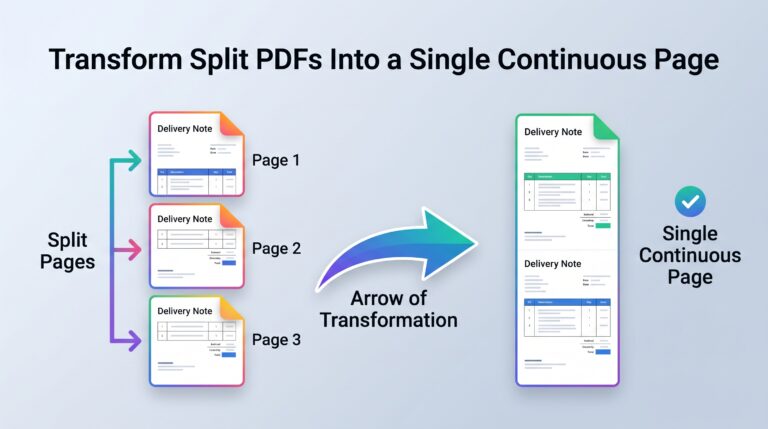
Have a multi-page invoice, delivery note, or report where tables get awkwardly split across page breaks? Use this free tool to automatically trim empty margins and merge all pages into one continuous, seamless single-page PDF while preserving crisp vector text.
Tip: Use a small negative value (e.g., -2 pt) to seamlessly overlap split table borders.
How to Merge Multi-Page PDFs Into One Long Continuous Page
Standard PDF generators and accounting platforms (such as Manager.io, QuickBooks, or browser print-to-PDF) automatically slice long tables onto separate A4 or Letter pages. This creates awkward whitespace gaps right in the middle of item lists and delivery notes.
Upload Your PDF
Drop your multi-page document into the box above. Processing happens 100% locally inside your web browser—your private invoices never leave your device.
Auto-Crop Empty Space
Click Auto-Crop Empty Margins to scan and trim blank bottom and top margins between pages while keeping your top company header intact.
Download Vector PDF
Verify the live preview and download your stitched file. Unlike screenshot tools, all text remains crisp, searchable, and selectable vector data.
@page { size: 210mm 800mm; margin: 10mm; }.