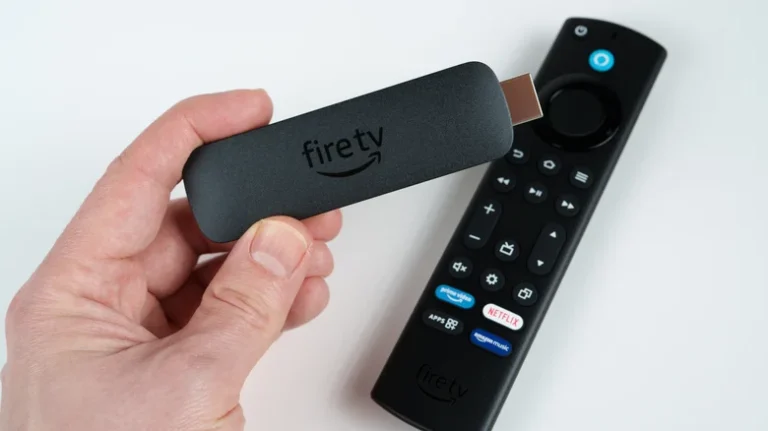
The Amazon Fire TV Stick allows users to control their TV’s volume directly through the Fire TV remote, eliminating the need to juggle multiple controllers.
- Pairing the Remote: Open the Fire TV app on your smartphone, navigate to Settings > Controllers & Bluetooth Devices > Amazon Fire TV Remotes, and select Add New Remote to connect it.
- Enabling Volume Control: On your TV, go to Settings > Equipment Control > Manage Equipment. Select your Fire TV Stick remote and enable volume control permissions (a quick volume test may follow).
- Troubleshooting:
- Basic Checks: Replace low batteries, ensure no line-of-sight obstructions exist, and verify the TV isn’t muted via another remote.
- HDMI-CEC Settings: Confirm that HDMI-CEC is enabled in your TV’s external device settings.
- Reset Remote: Hold the Select and Play/Pause buttons simultaneously until the restart menu appears, then re-pair the remote.